
Your Mac mini M4 Has Too Little Storage.
DiskFreeVault Gives You A Real Process.

DiskFreeVault is a macOS app for moving selected apps and data between your internal disk and an external disk with a dry-run plan, policy-based safety checks, staged execution, restore, recovery, and support-bundle diagnostics. The local site now mirrors that structure with real pages for each part of the product.

The Mac mini M4 Storage Trap

Apple’s pricing strategy still pushes you toward expensive internal upgrades long before your work setup feels complete.

$200 for 256GB More?

Apple charges $200 to upgrade from 256GB to 512GB at purchase. That is $0.78 per GB before you add any workflow apps.

256GB Disappears Fast

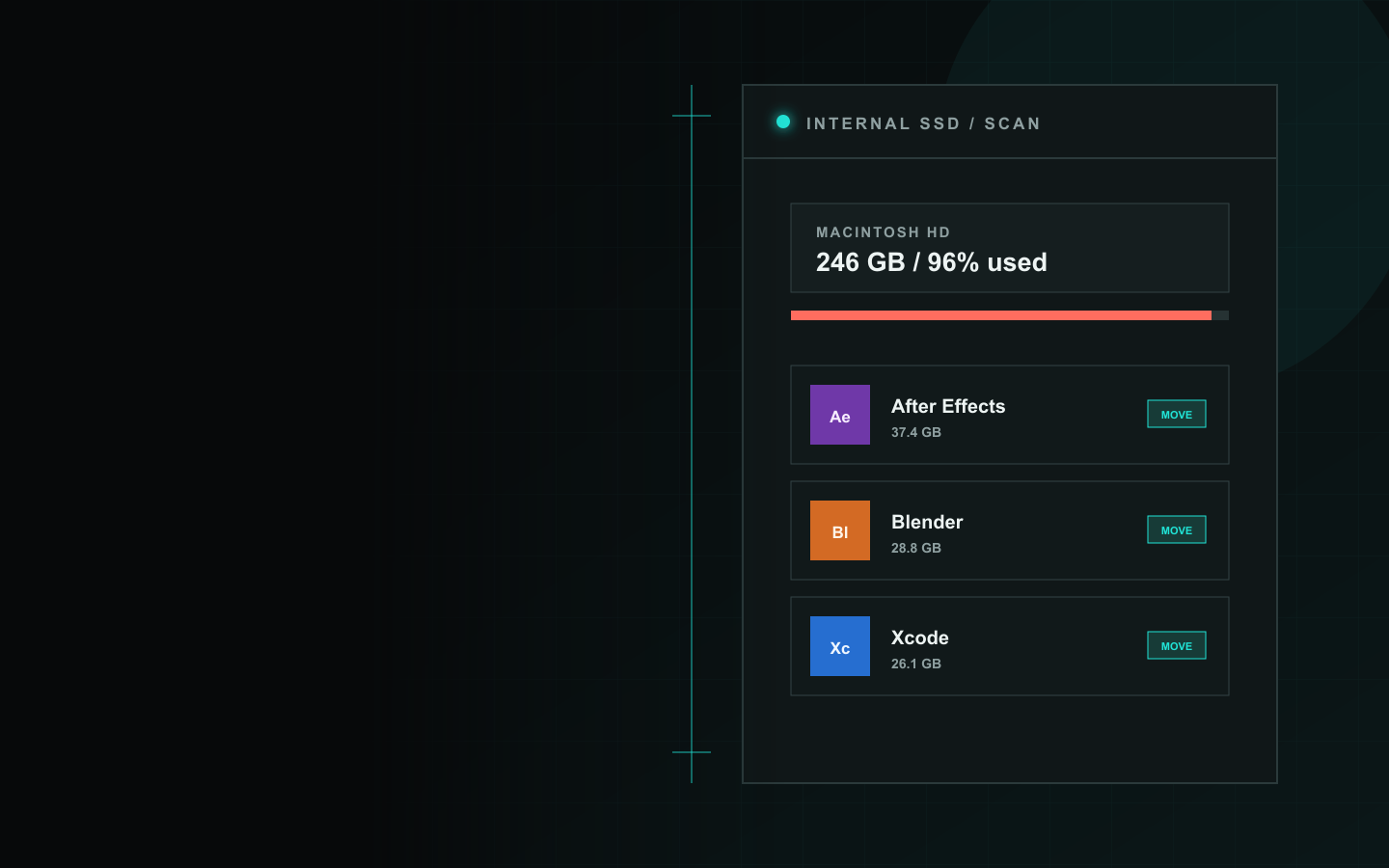
macOS, Xcode, Adobe Creative Cloud, and Office-class tools can burn through the base internal storage quickly.

Manual Moves Stay Risky

Dragging app bundles around Finder still ignores path rules, launch services, health checks, restore history, and cleanup handling.

Real Pages For Real Product Areas

Use the new localhost pages to drill into each function instead of forcing everything into one giant landing page.

Workflow

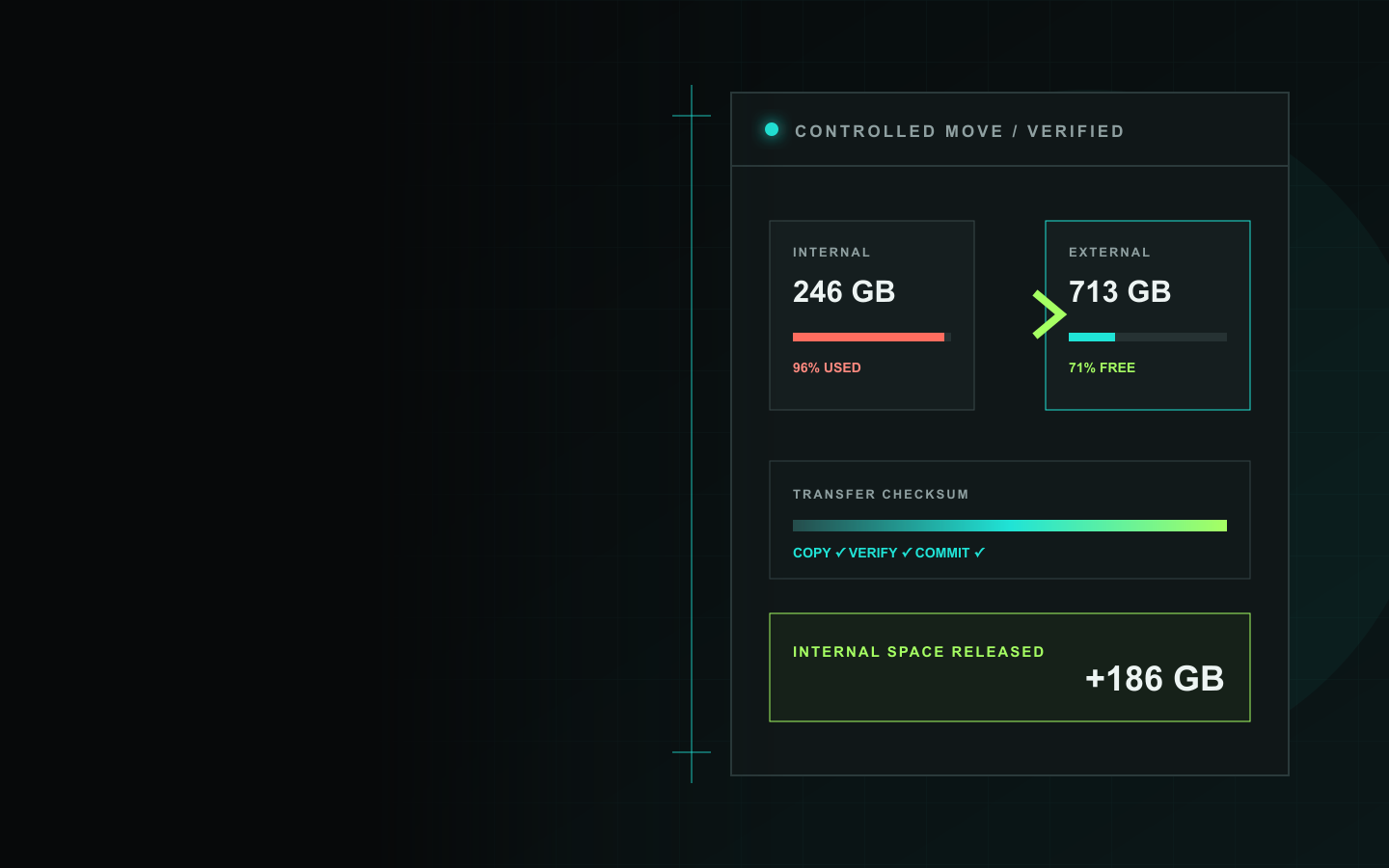
See the dry-run preview, the six execution stages, what gets recorded in history, and what rollback does when verification fails.

Open Workflow Page

Batch Moves

Understand multi-selection, sequential execution, skipped running apps, aggregated progress, and per-item outcomes.

Open Batch Moves Page

Safety Status

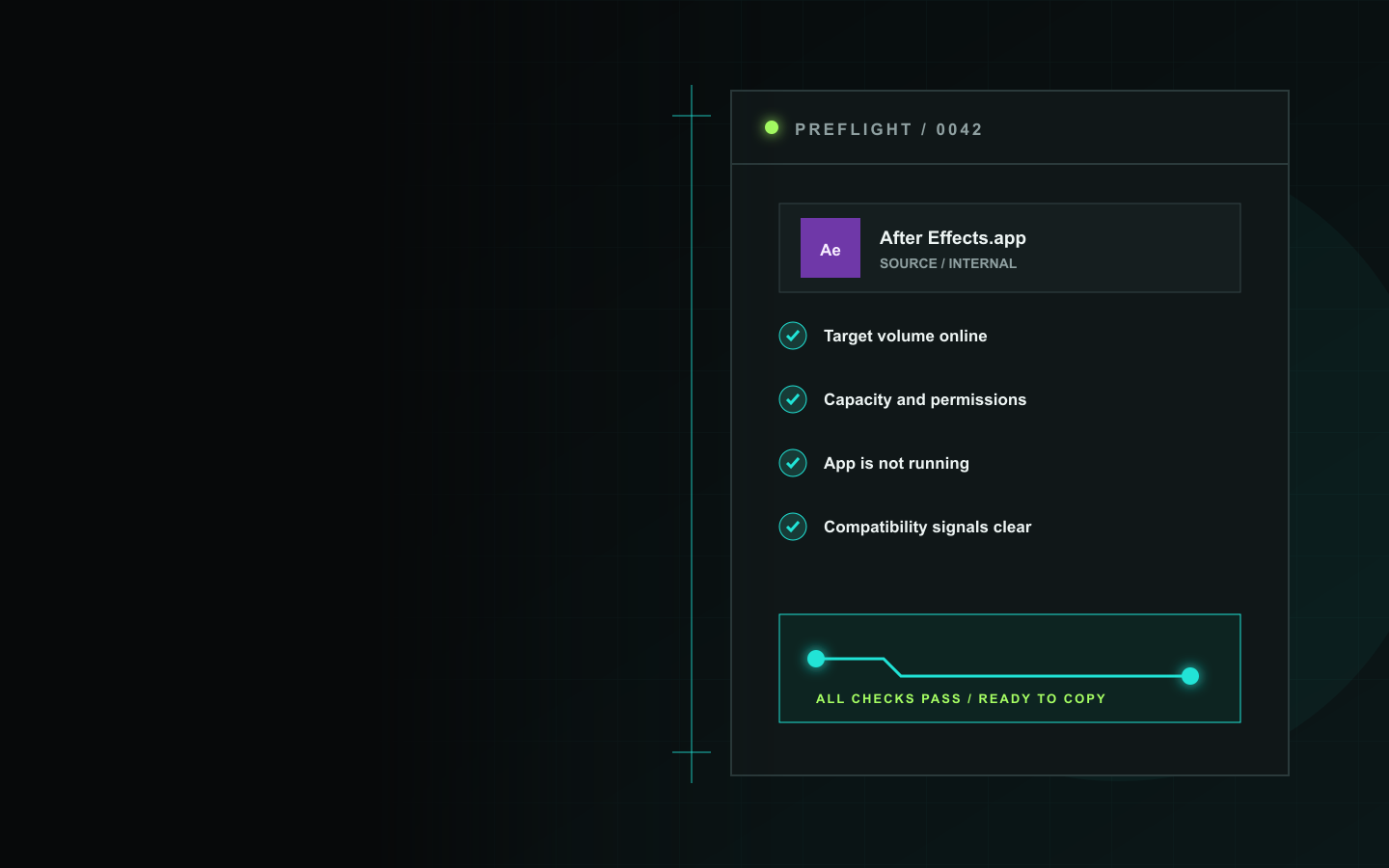
Review Safe, Caution, and Do Not Move classifications, compatibility signals, path rules, and destination checks.

Open Safety Status Page

Settings & Support

Learn the new settings structure, Recovery Center behavior, support-bundle export, and built-in help topics.

Open Settings & Support Page

Pricing

See what Free includes, what the signed Trial opens up, what Pro unlocks, and how licensing maps to restore, batch moves, recovery, and diagnostics.

Open Pricing Page

Support Bundle

Copy redacted diagnostics or export JSON and text reports with the exact move-plan, health, recovery, and settings state.

See Diagnostics Details

DiskFreeVault keeps settings, move history, health checks, recovery options, and diagnostics in one place, and localhost now gives each of those areas its own page.

Settings
Five sections now organize General, Safety, Verification, Recovery, and Advanced preferences instead of hiding everything in one long form.
🛠
Support Bundle
Copy a redacted summary or export JSON and text diagnostics with move plans, health checks, recovery state, and current settings.
🕔
Move History
Successful moves are recorded with source and destination paths, post-move health details, and restore eligibility for supported entries.
Health Checks
Bundle structure, embedded components, code-signature, launch-readiness, launch smoke tests, and source-handoff results are recorded after app moves.
Recovery Center
Failed move records, broken symlinks, leftover backups, unfinished cleanup, and verification failures can be reviewed and repaired from one place.
💡
Detailed Pages
Every major function now has a page on localhost, so you can explain the product clearly without overloading a single homepage.

Free, Trial, And Pro

The app has a real starter tier, a signed trial, and a full Pro unlock.

3 Tiers

Free app relocation • 14-day signed Trial • Pro license

  • Free relocates one app bundle from internal storage to an external disk.
  • Trial unlocks the full workflow for 14 days with a signed key.
  • Pro unlocks restore, batch moves, data relocation, symlinks, recovery, diagnostics, and advanced settings.
  • The pricing page shows the exact feature split before you buy or activate.

See License Options

Use the pricing page to compare what each tier actually enables in the app.